Support Center
Get the Support You Need, When You Need It
Whether you’re setting up your first pond, managing your cluster, or exploring new features — ADMS Support is your go-to space for guidance, tutorials, and updates.


Watch & Learn with ADMS Tutorials
Explore our growing library of walkthroughs and “how-to” videos on the official ADMS YouTube channel.

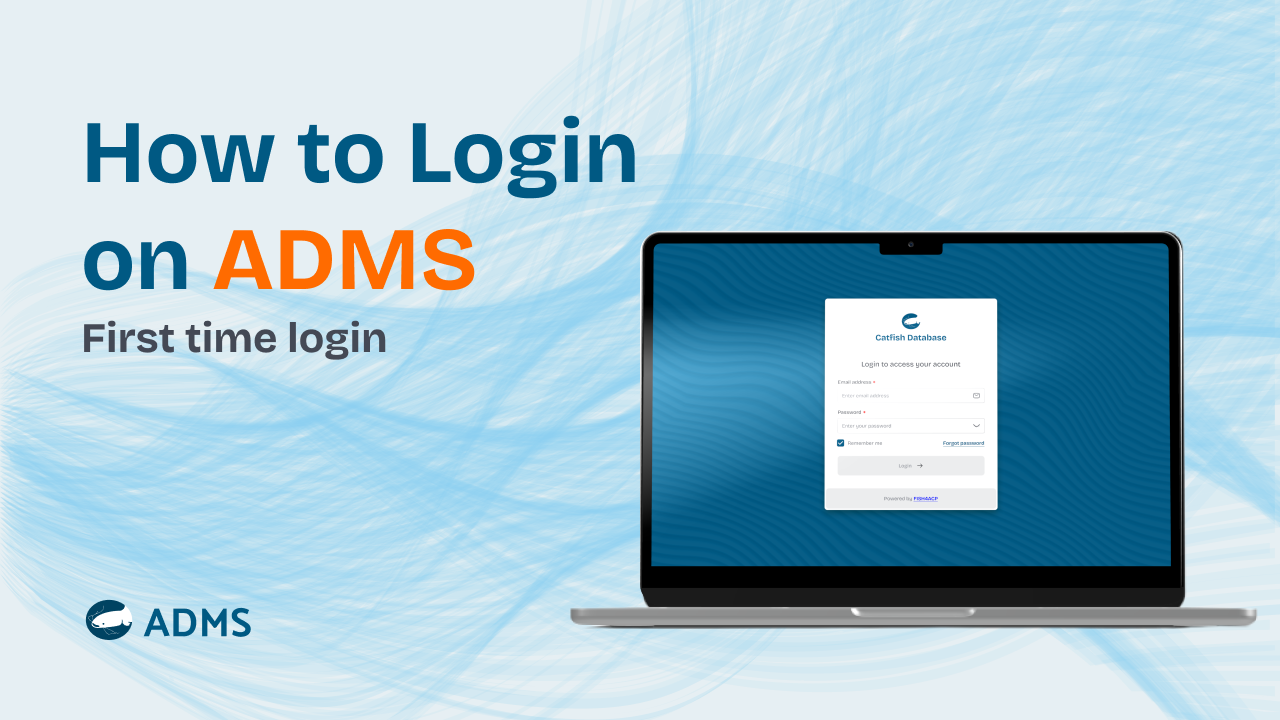
ADMS Tutorial: How to Log In and Access Your Dashboard
This video provides a step-by-step guide on how to log in to the AquaData Management System (ADMS). It walks users through accessing the platform, entering login details, and successfully reaching the dashboard.
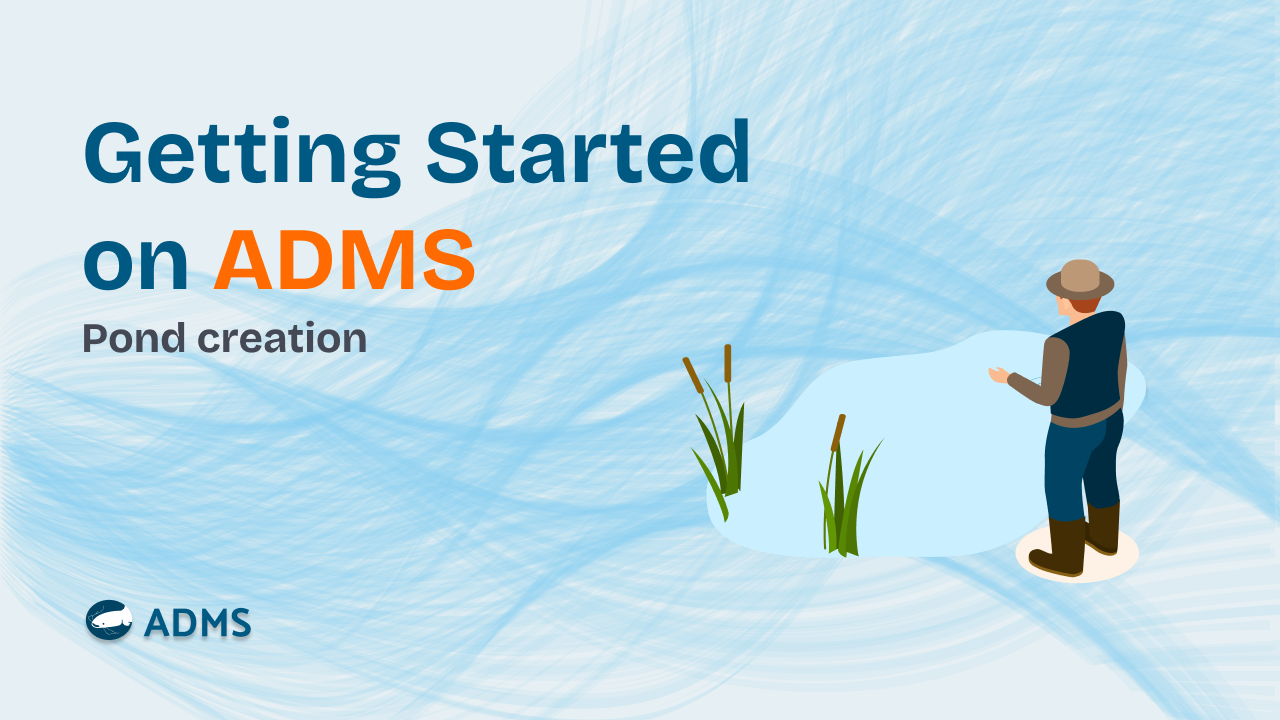
GETTING STARTED ON ADMS
In this video, you'll learn how to: ✅ Register a pond (name, type, size, water source, and GPS location)✅ Add a fish batch to your pond (stocking date, quantity, and initial weight)✅ Register your feed types (brand, pellet size, and cost per kg)
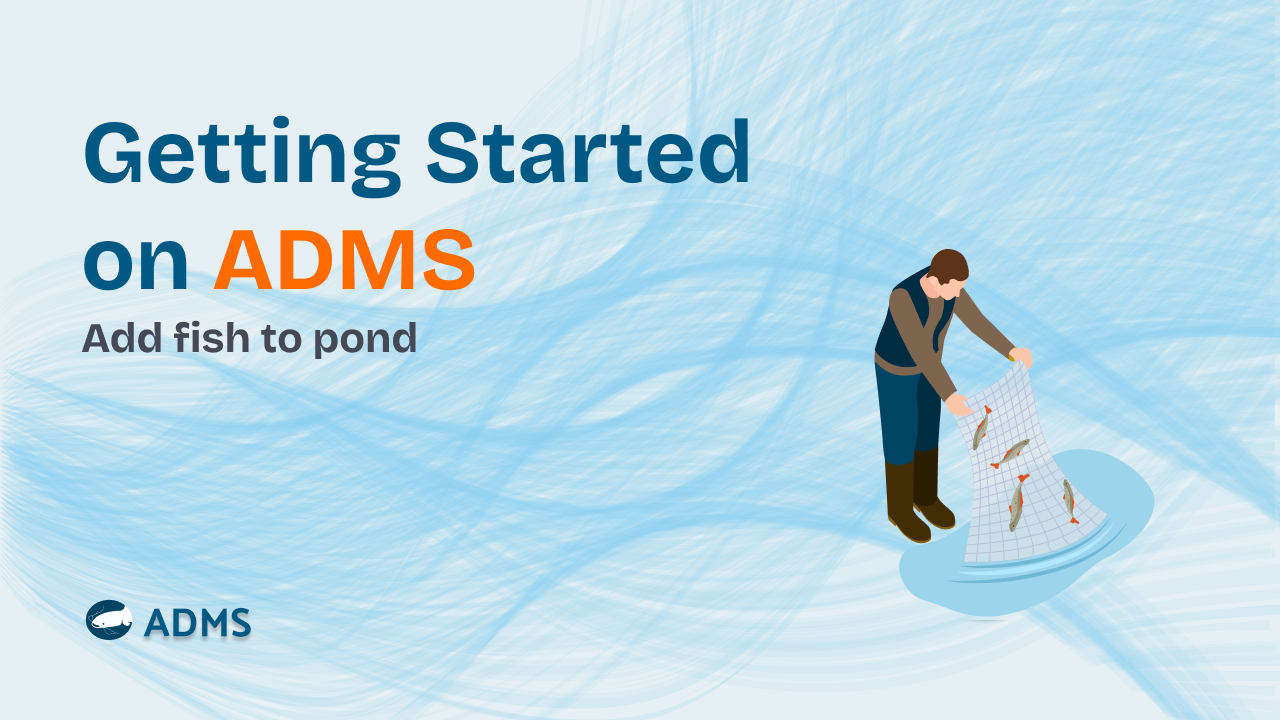
Getting started on ADMS: Add Fish to Pond
In this video, you'll learn how to add a fish batch to your pond on ADMS (Aqua Data Management System). ✅ Create a batch name (your unique tag ID for tracking fish growth) ✅ Select the pond you want to stock ✅ Enter the quantity of fish supplied ✅ Choose the fish size ✅ Record the initial average body weight (in grams or kilograms) ✅ Add your fish supplier details ✅ Input the cost per unit (and let the system calculate your total cost automatically)
You have got questions?
We’ve got answers
Quick answers to help you understand how ADMS works.
Still have questions?
Send a detailed email and we’ll help.